Home › Tools

Patient Tools

Short tools you can use on your own phone, before your visit or during your recovery. Nothing you type into them is sent anywhere. It stays on your device.

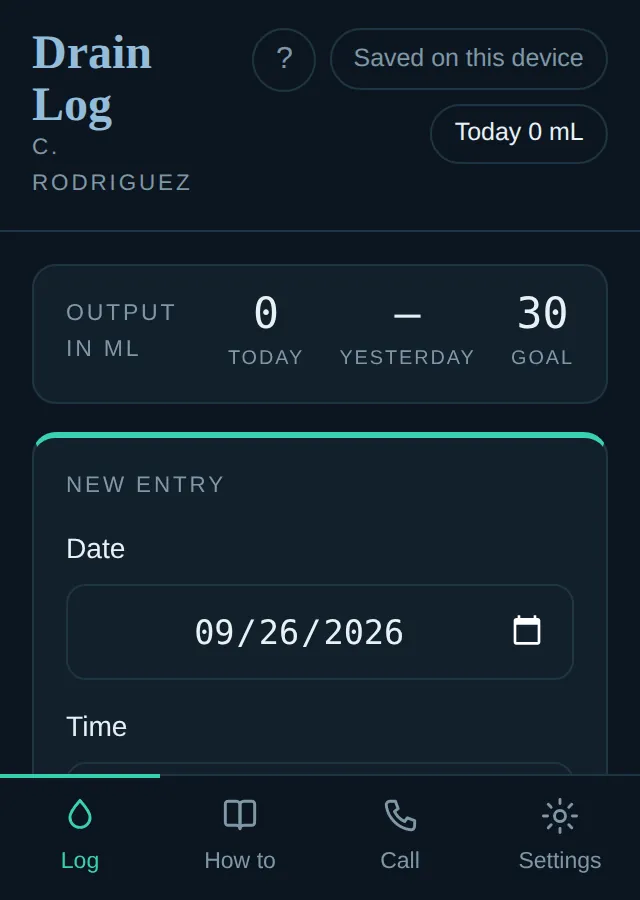
The JP Drain Log on a phone: today's output against the goal, and a new entry form with the date and time.
Live

JP Drain Log

For patients sent home with a drain

Record how much your drain puts out each time you empty it, watch the daily total, and print a clean sheet to bring to your appointment. You can add it to your home screen and open it like an app.

  • Each entry takes a few seconds: the amount, the date and the time
  • The daily total sits next to the goal for removing the drain
  • Nothing you type leaves your phone. No name and no account.
Open the drain log →
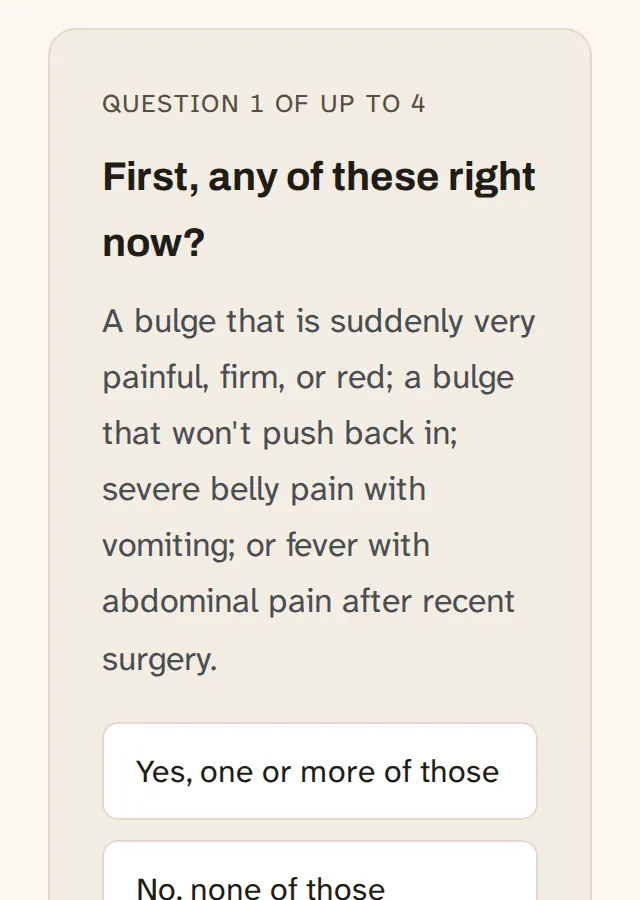
The hernia self-check on a phone: the first question, about warning signs that need the emergency room, with answer buttons.
Live

Is It a Hernia?

A two minute self-check

A few questions about what you are feeling and where, and what a reasonable next step looks like. This is education, not a diagnosis, and it does not replace an exam.

  • Up to four questions, starting with the warning signs that need the emergency room
  • Ends with a next step: my office, your primary care provider, or the ER
  • Links to the guide for the spot that bothers you
Start the self-check →

Shown a walk-through in the office? Dr. Rodriguez builds one on screen during some visits: your anatomy, your diagnosis, and the operation step by step. Scan the code he showed you, or open the link from your visit summary, and the same walk-through comes back as many times as you want.

These tools are for education and for keeping track of your own recovery. They do not replace medical advice from your own physician, and they cannot examine you. If something does not look right, or you are not sure, call the office at (817) 250-7030. We would rather you call.

Call for Appointment ·Call(817) 250-7030